 Cisco Webex
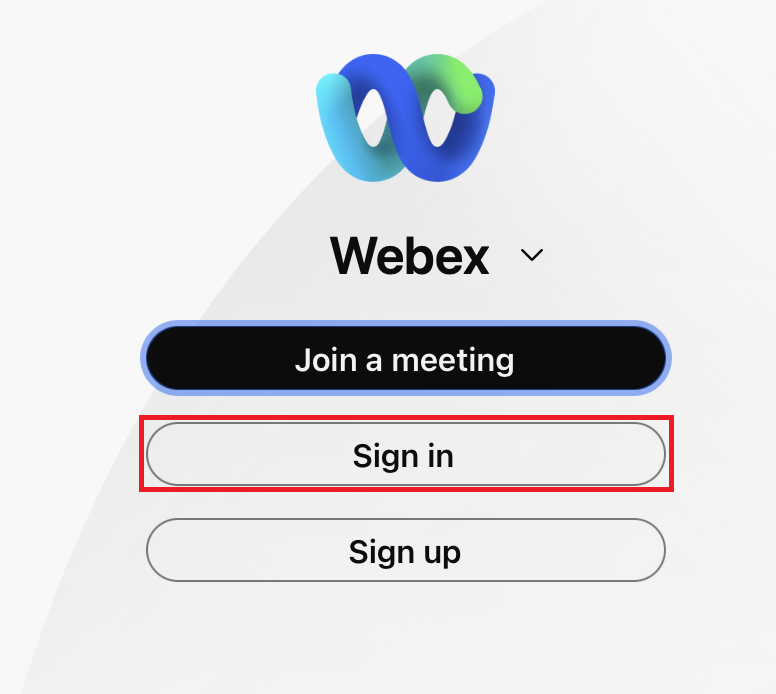
- Open Webex

- Click Sign in
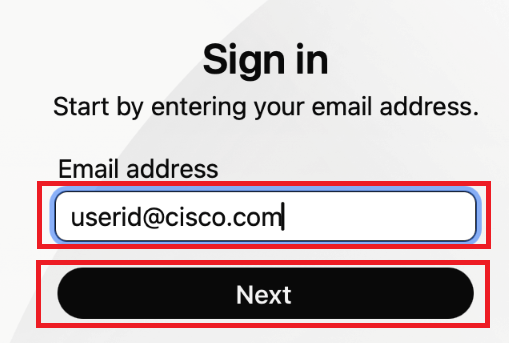
- Enter your Cisco email address click Next
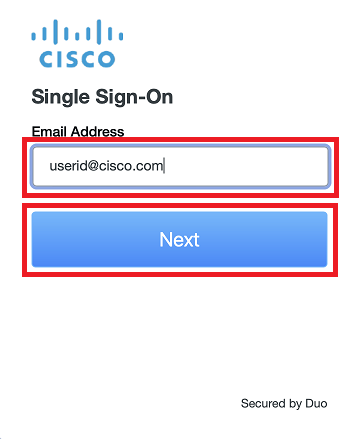
- Enter your Cisco email address, then authenticate with Windows Hello (Face, fingerprint, or PIN)
- Read through the information about Emergency Calling Notification and click
OK - Optional: Add an address for emergency services