Connect to internet on Cisco site
- Select
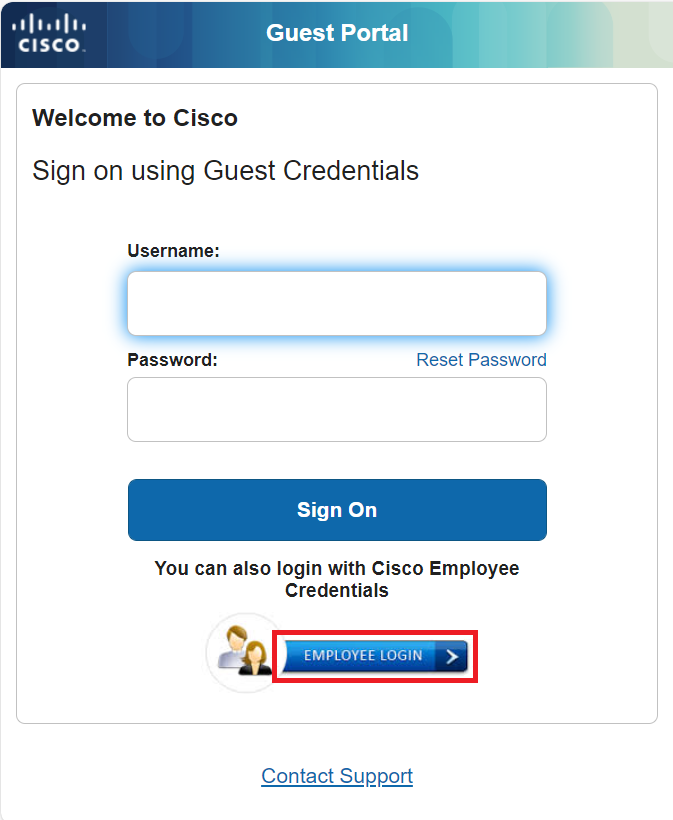
"internet" from the list of available wireless networks - Scroll down and click
Employee Login
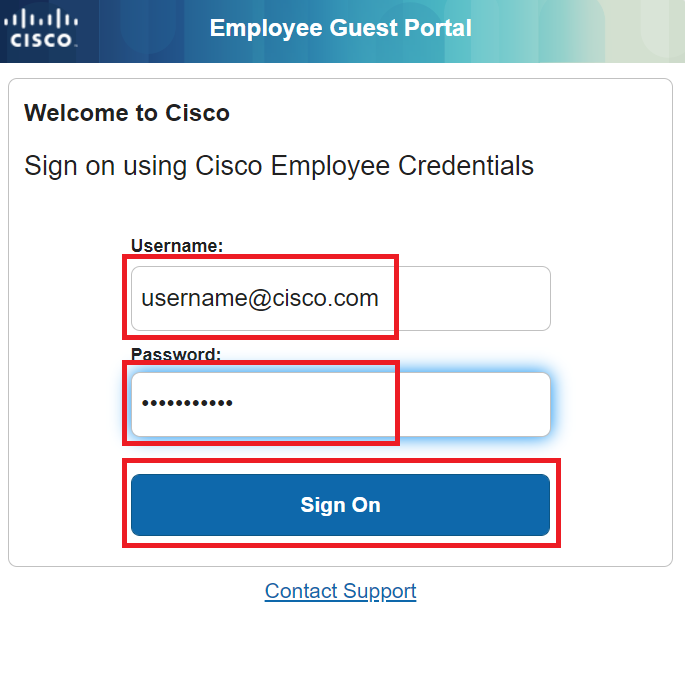
- Enter your Cisco e-mail address and temporary password, then click
Sign On
- Click
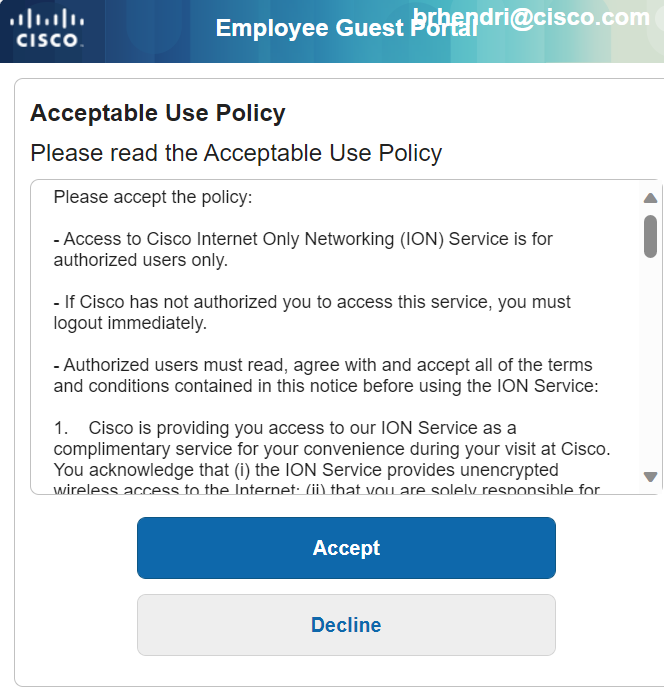
Accept
- Click
Done - Close this window and continue with the setup instructions