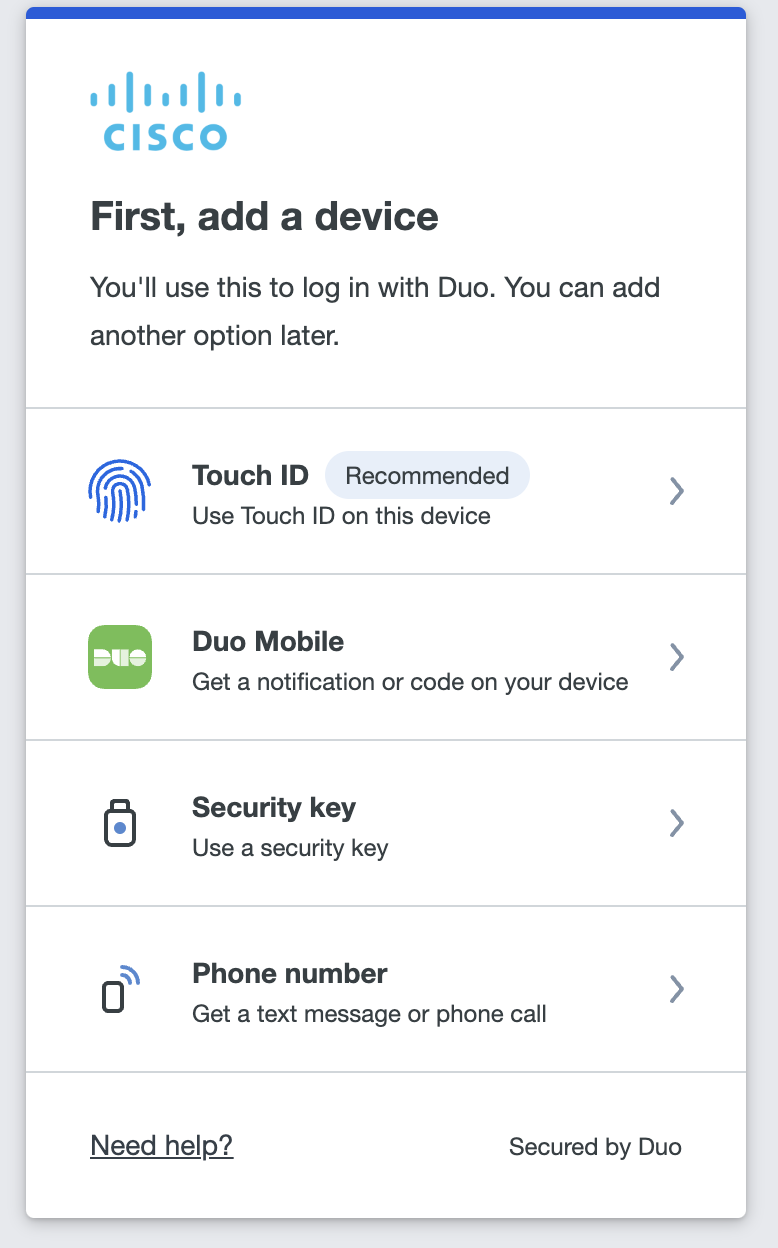
Note: The following steps are done to trigger the Duo MFA Setup
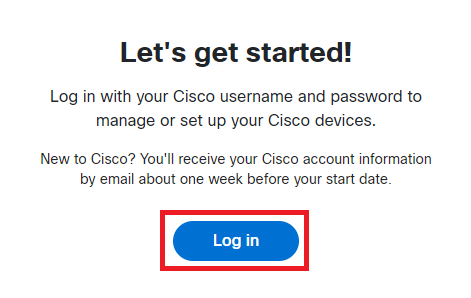
- Open https://devices.cisco.com
- Click
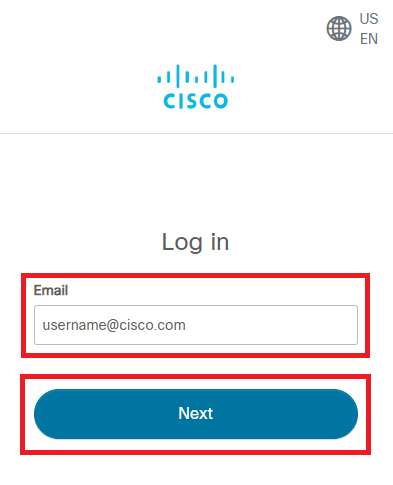
Log in - Enter your Cisco e-mail address and then click
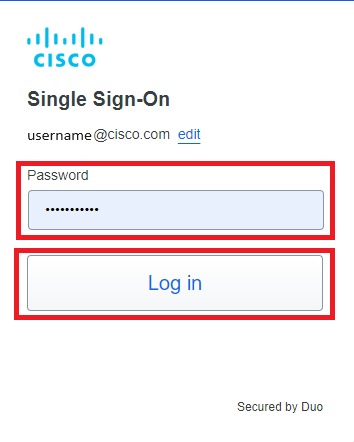
Next - Enter Cisco temporary password and click
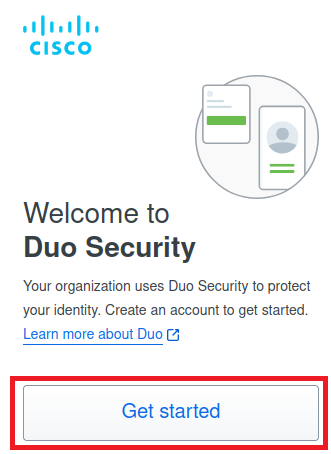
Log in - Click
Get Started - Click
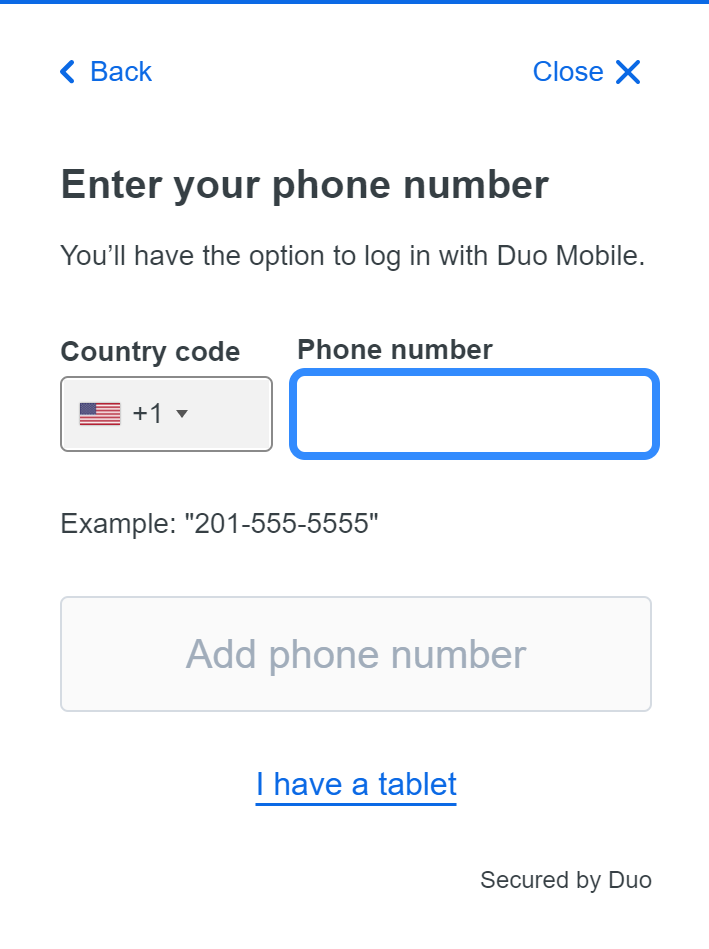
Duo Mobile to register your mobile device Note: If you are unable to use Duo Mobile, click here- Select your country code, enter your Mobile number, click
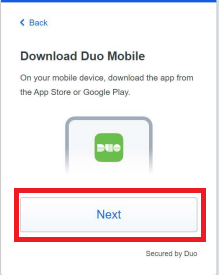
Add phone number , then confirm it on the next prompt - Install the Duo Mobile app on your Mobile device, then click
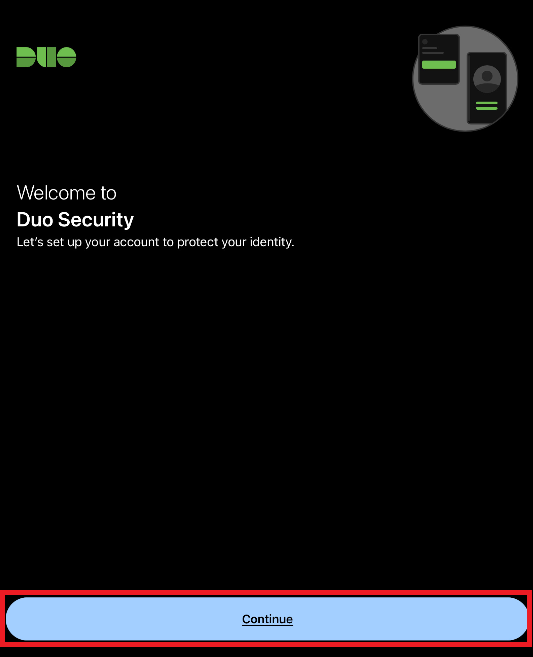
Next - Open the Duo Mobile app on your mobile device and tap
Continue Note: If you already have a Duo Mobile account set up on your device, clickAdd + to add your Cisco account
- Tap
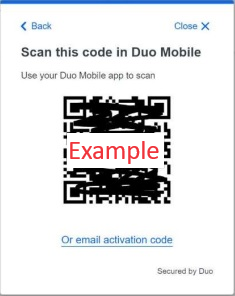
Use a QR code - Scan the code on your computer screen with your mobile device
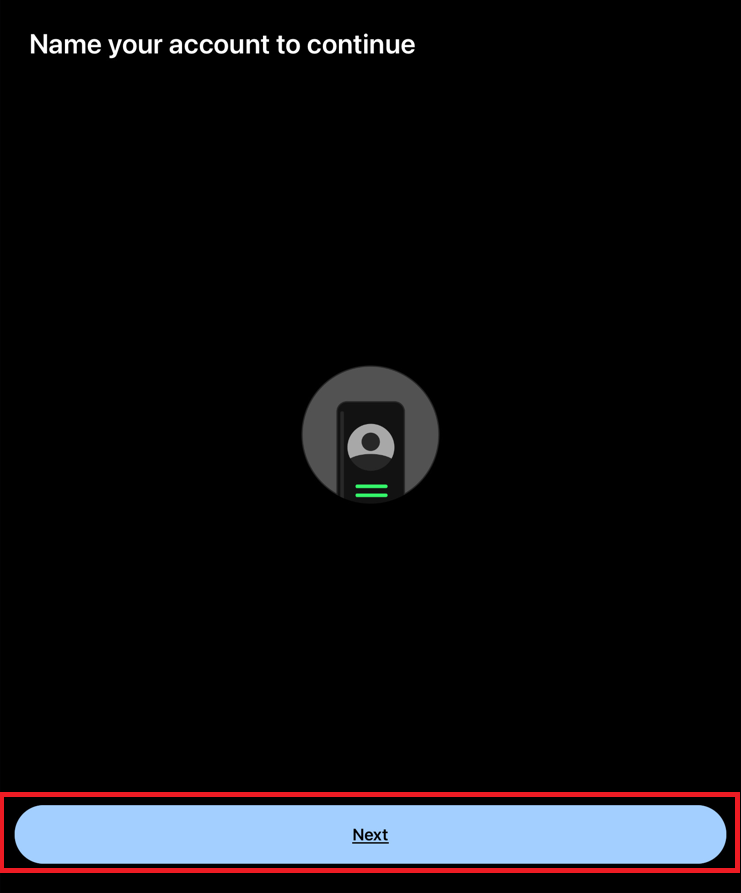
- Tap
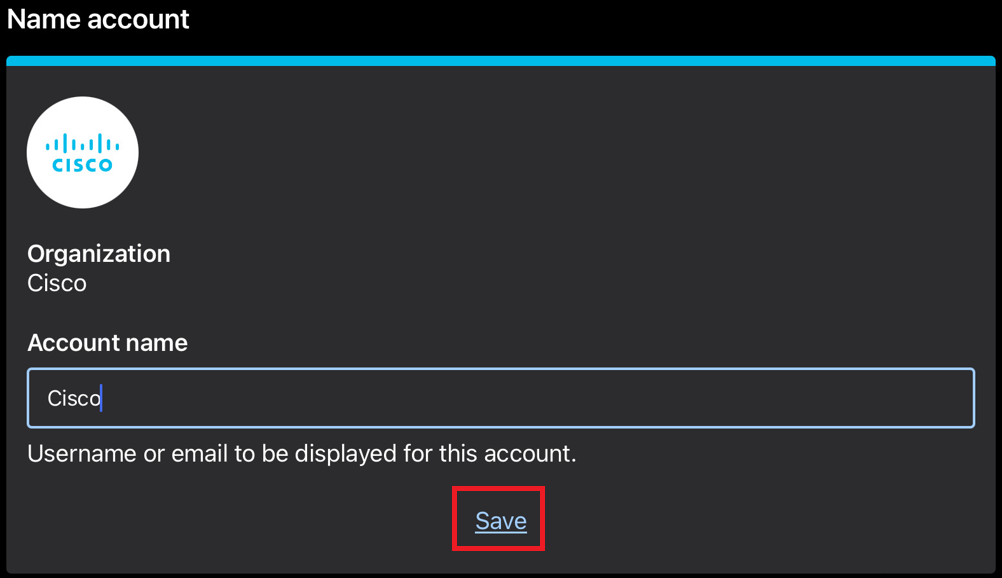
Next - Name the account (default is Cisco) and tap
Save - You can either select
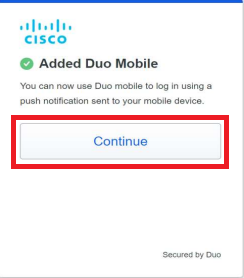
Practice now orSkip . Be sure toAllow Notifications when prompted - When you have finished configuring Duo on your mobile device, go back to the computer's browser and
click
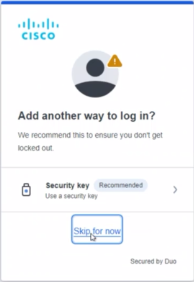
Continue . You will see a success screen - On the "Add another way to log in?" screen, click
Skip for now