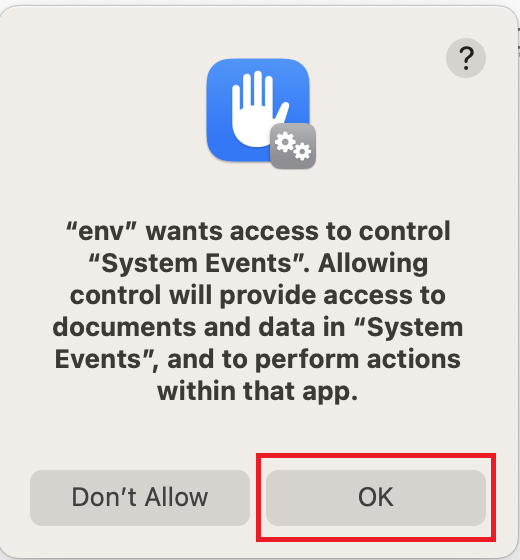
Throughout the setup process, various applications are being installed in the background. As they are installed, you may see some
of the following pop-ups.
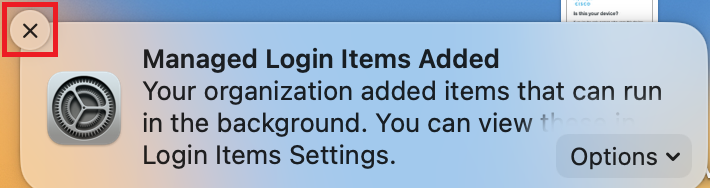
- You will see this pop-up a few times during the process. It is simply informing you that applications have been installed. Just close it
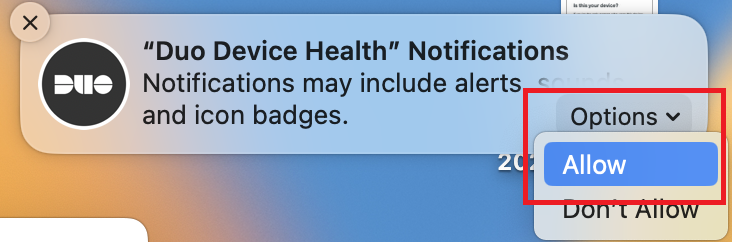
- You will see this one when Duo Device Health has been installed. Click
Options →Allow
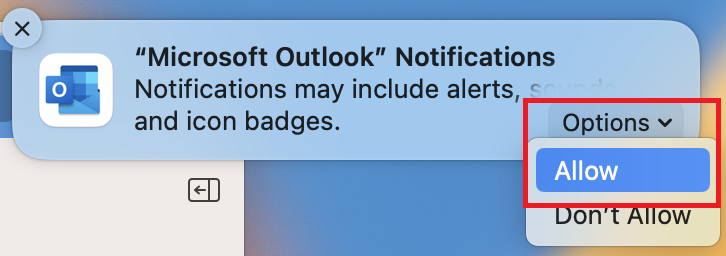
- You will see this one while you are configuring Microsoft Outlook. Click
Options →Allow
- You will see this one sometime after Secure Endpoint is installed. Click
OK