Cisco Webex HelpZone Bot
Follow these steps to add the Cisco HelpZone Bot to your Webex Favorites. If you have an IT-related question, ask it here. If the bot is unable to answer your question,
you will be given the opportunity to chat with a live agent or open a case.
- Open Webex

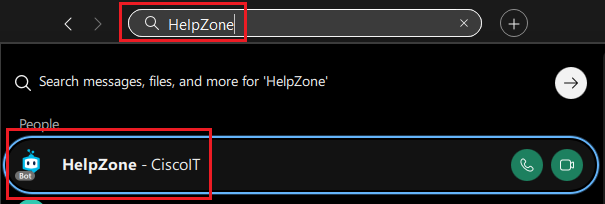
- Search for "HelpZone" in the search field, then click
HelpZone - CiscoIT in the search results
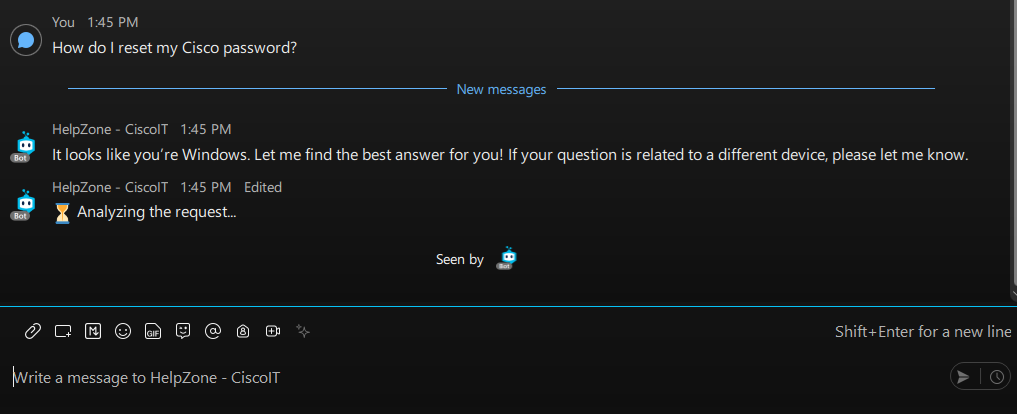
- Ask it a simple IT question. You must start a conversation with it in order to move it to a different Webex section
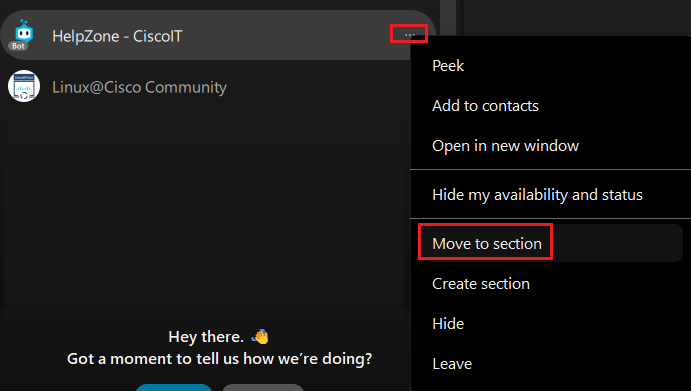
- Click
... , then selectMove to section
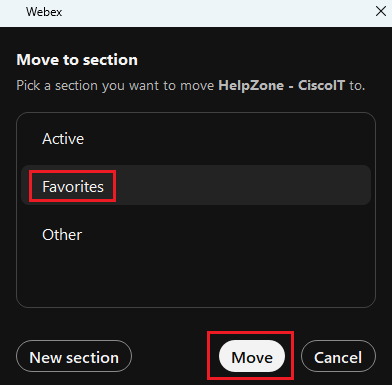
- Click
Favorites , then clickMove . If you want to create a new section for it, you may clickNew section and follow the on-screen steps