Druva inSync
 is a cloud-based backup utility. Please ensure it is configured properly. It can take up to 24 hours for it to show up, so if you do not see it right now, check again later
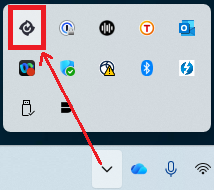
- Click on the Druva inSync icon in your Windows system tray in the bottom right corner of your screen. You will need to click
^ to see it
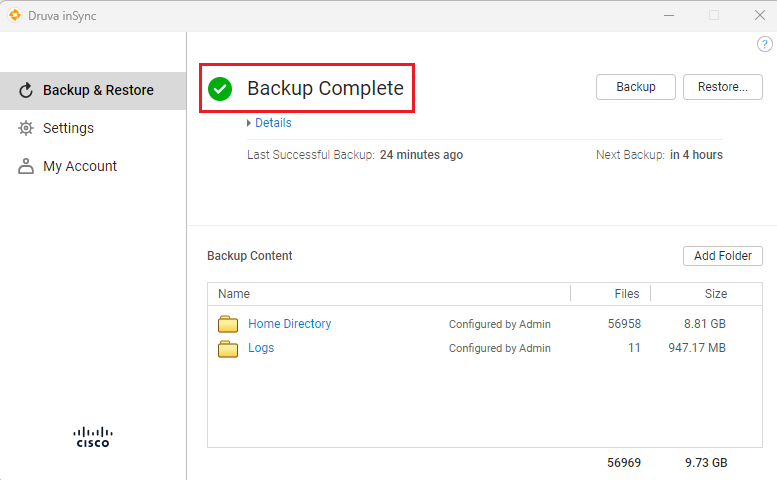
- Ensure that you see "Backup Complete" or "Backup in Progress". If you are prompted to sign in, then sign in with your Cisco e-mail address and Duo Passwordless