Configure Outlook
- Launch Outlook from your Start menu
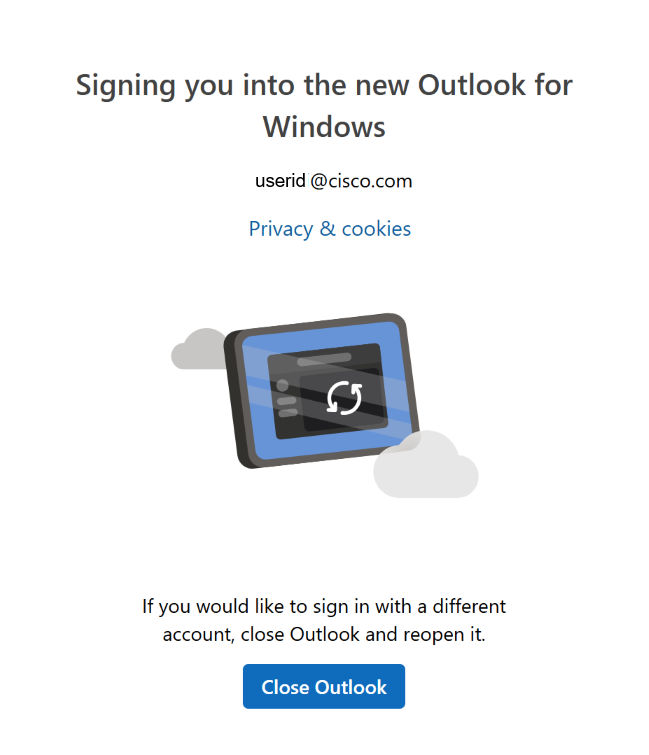
- Outlook will take a few minutes to self-configure. Sign in if prompted
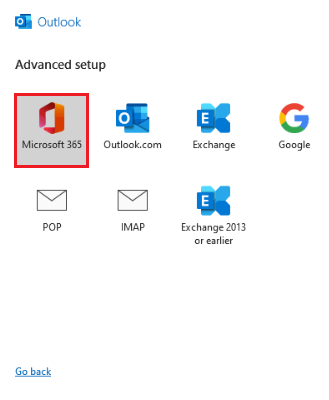
- If self-configuration doesn't work, you will see the
Advanced setup
screen. Click Microsoft 365
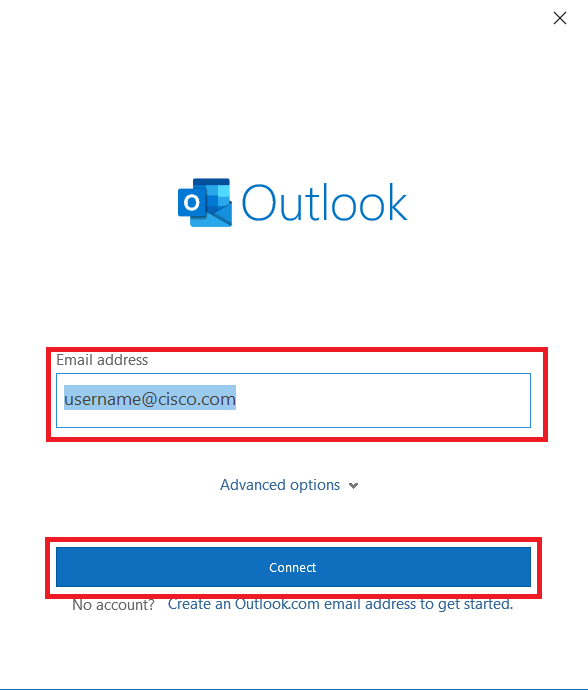
- Confirm your Cisco email address and click Connect
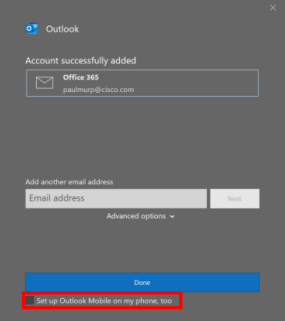
- On the
Account successfully added
page, uncheck the option to Set up Outlook Mobile on my phone, too and click Done
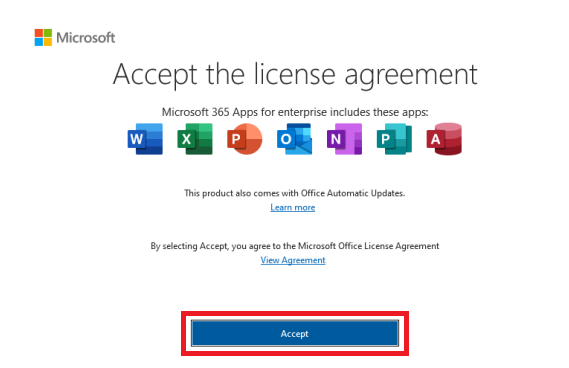
- Accept the license agreement if prompted