Configure Microsoft OneDrive
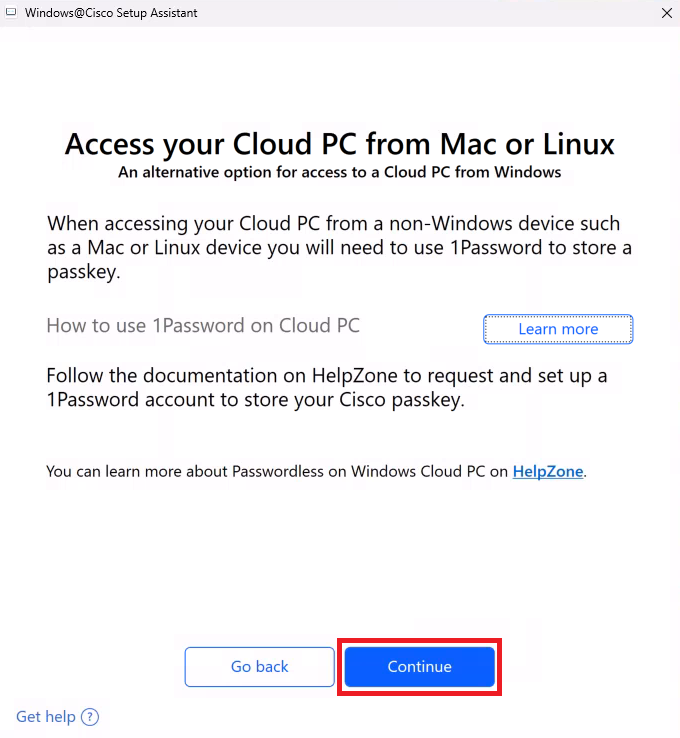
- Go back to the Windows@Cisco Setup Assistant and click
Continue
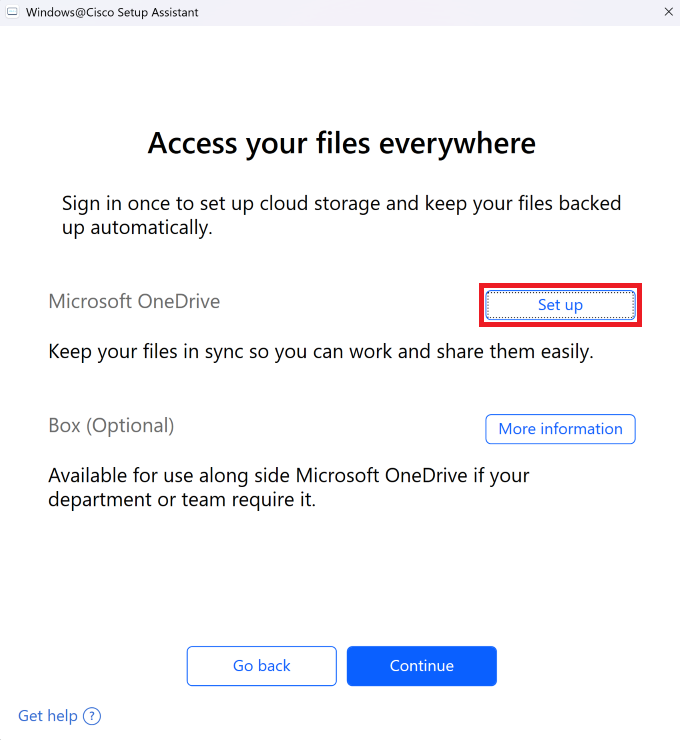
- Microsoft OneDrive - Click
Set up
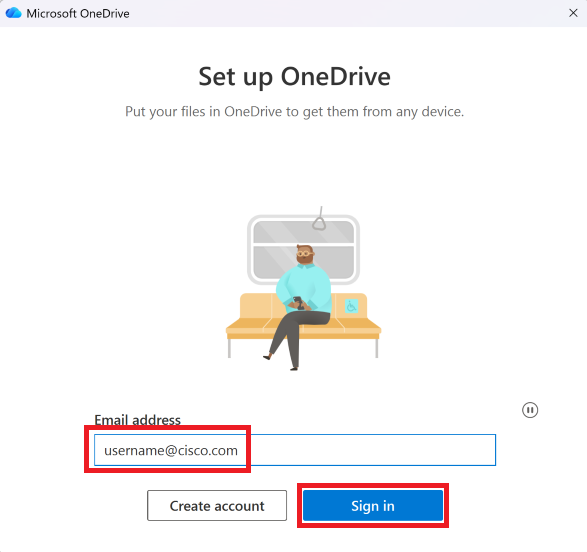
- Confirm your Email address, then click
Sign in
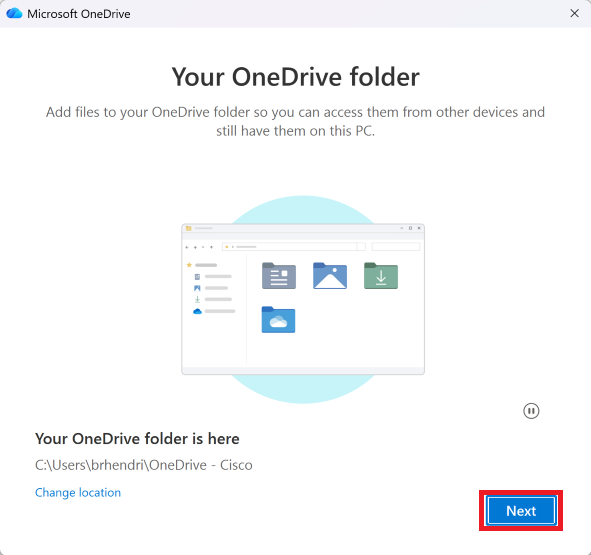
- Click
Next
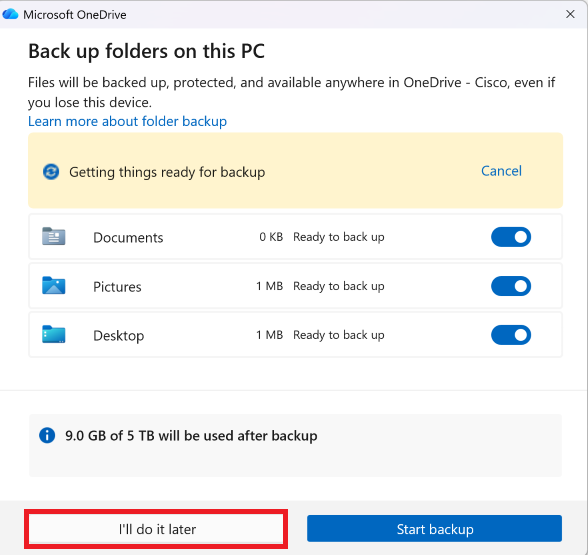
- Click
I'll do it later
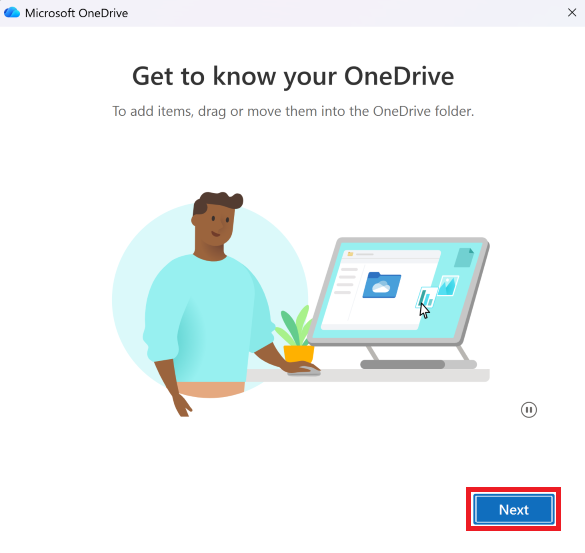
- Click
Next on the following 3 windows
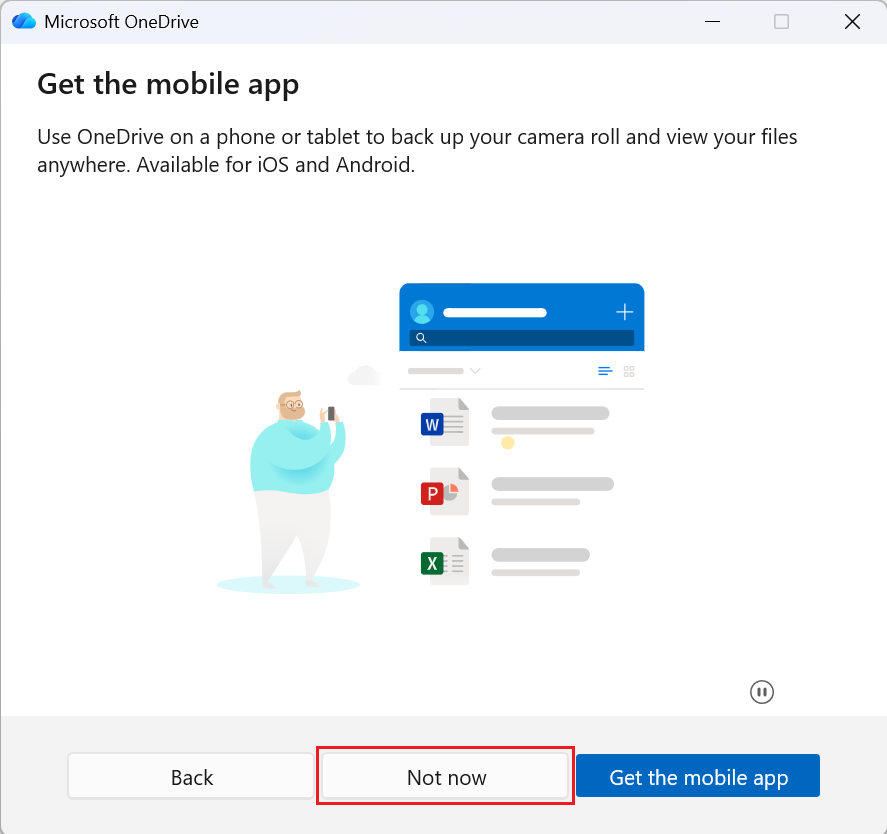
- Click
Later
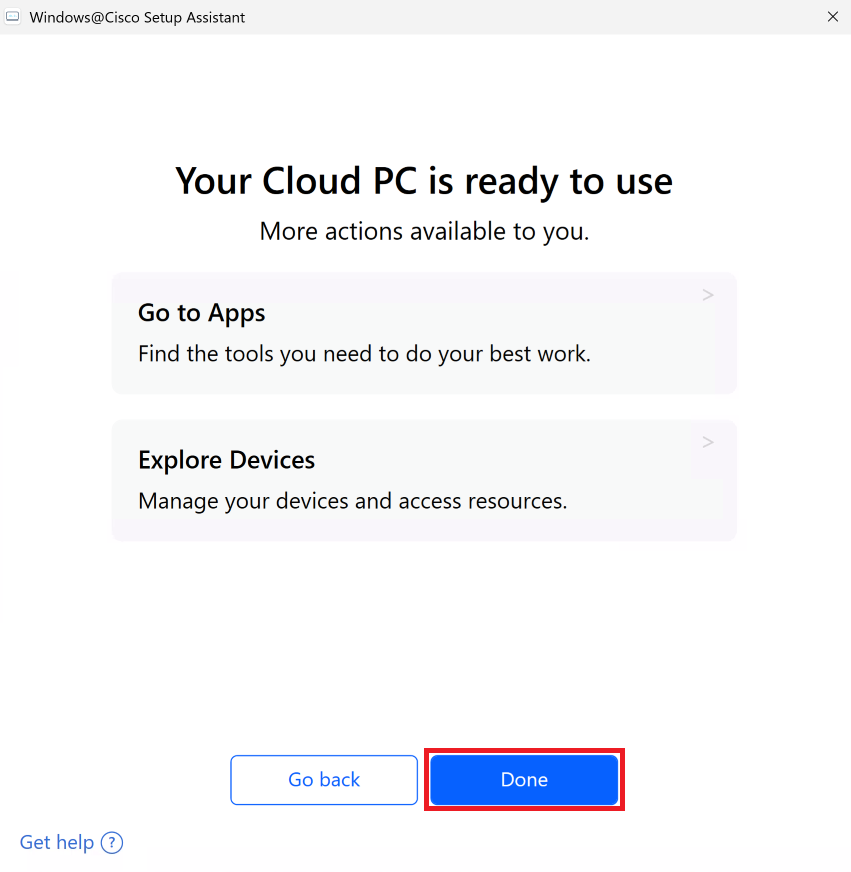
- Close the OneDrive configuration window and return to the Windows@Cisco Setup Assistant
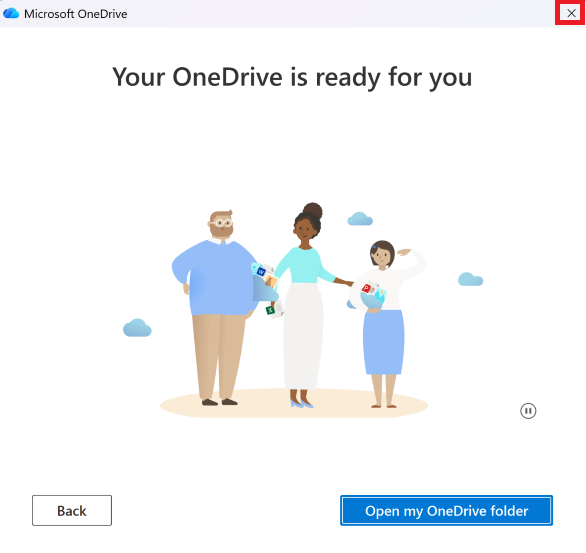
- Click
Continue
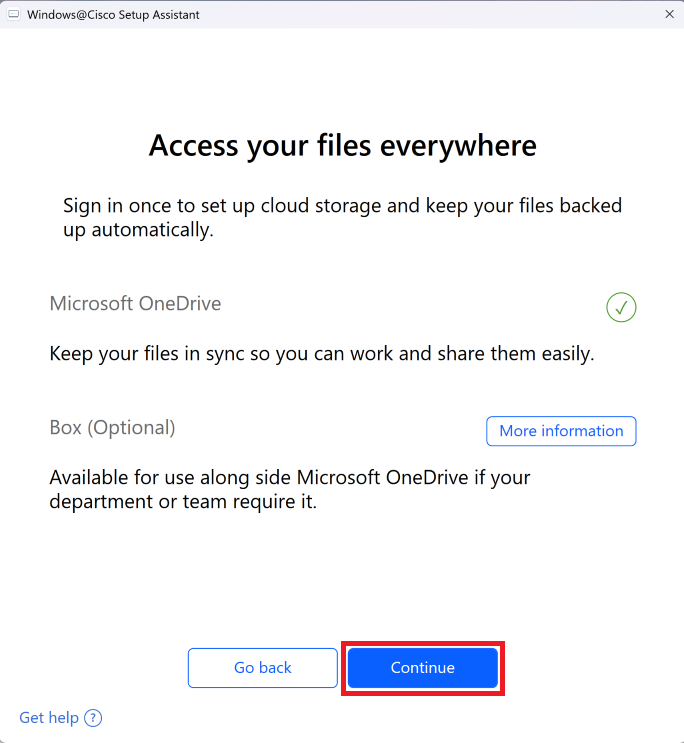
- Click
Done . You can launch the Windows@Cisco Setup Assistant to explore apps and devices after you are fully onboarded