Duo Desktop is required on the host machine to ensure your OS is up to date and compatible with Cisco Cloud PC.
- Download the Duo Desktop Installer
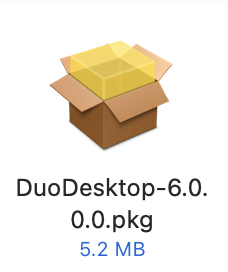
- Double-Click the .pkg file you just downloaded. By default it will be in your Downloads folder
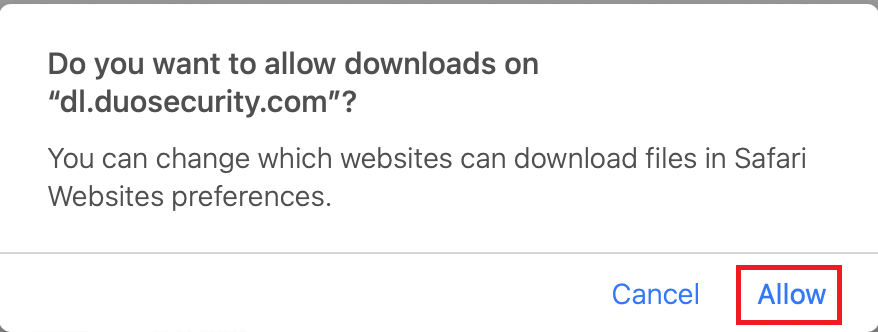
- Click
Allow
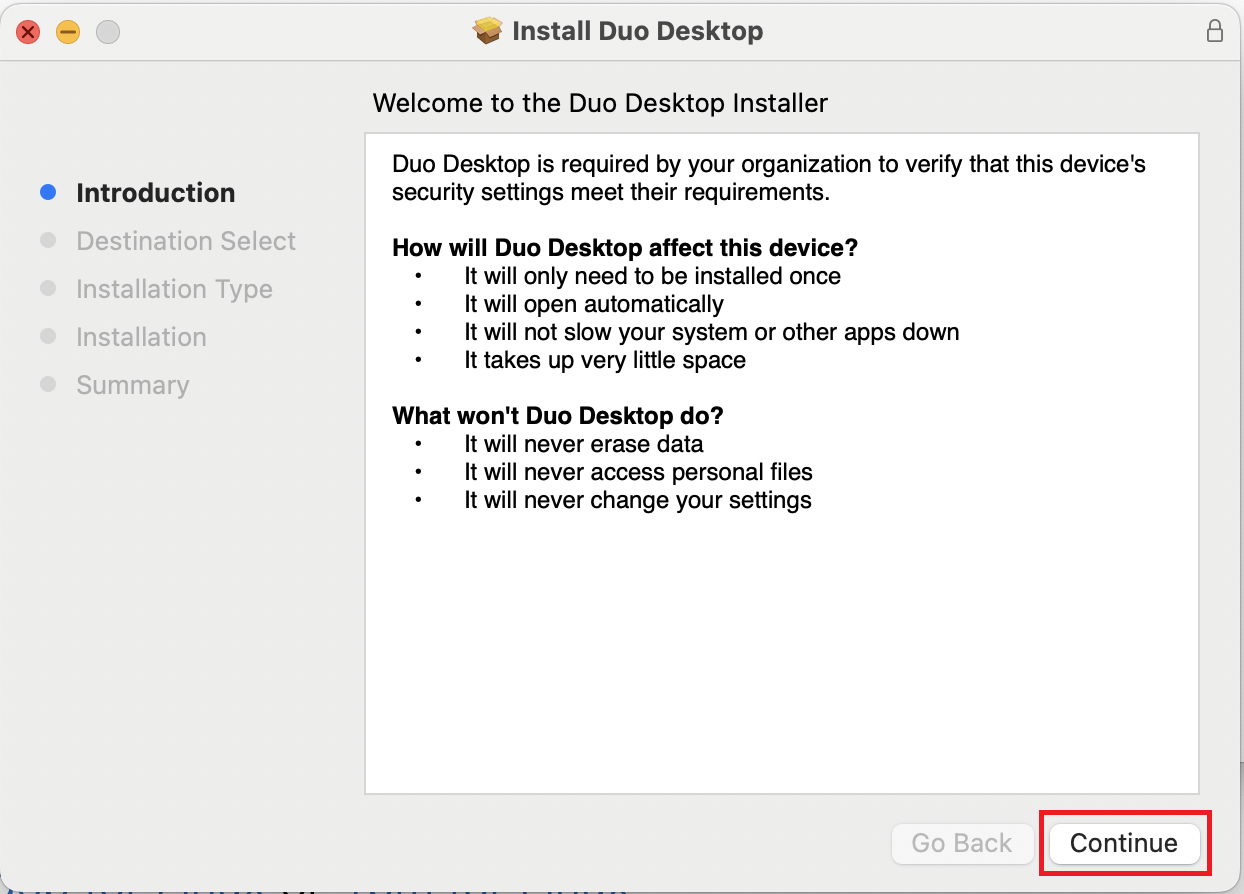
- Click
Continue
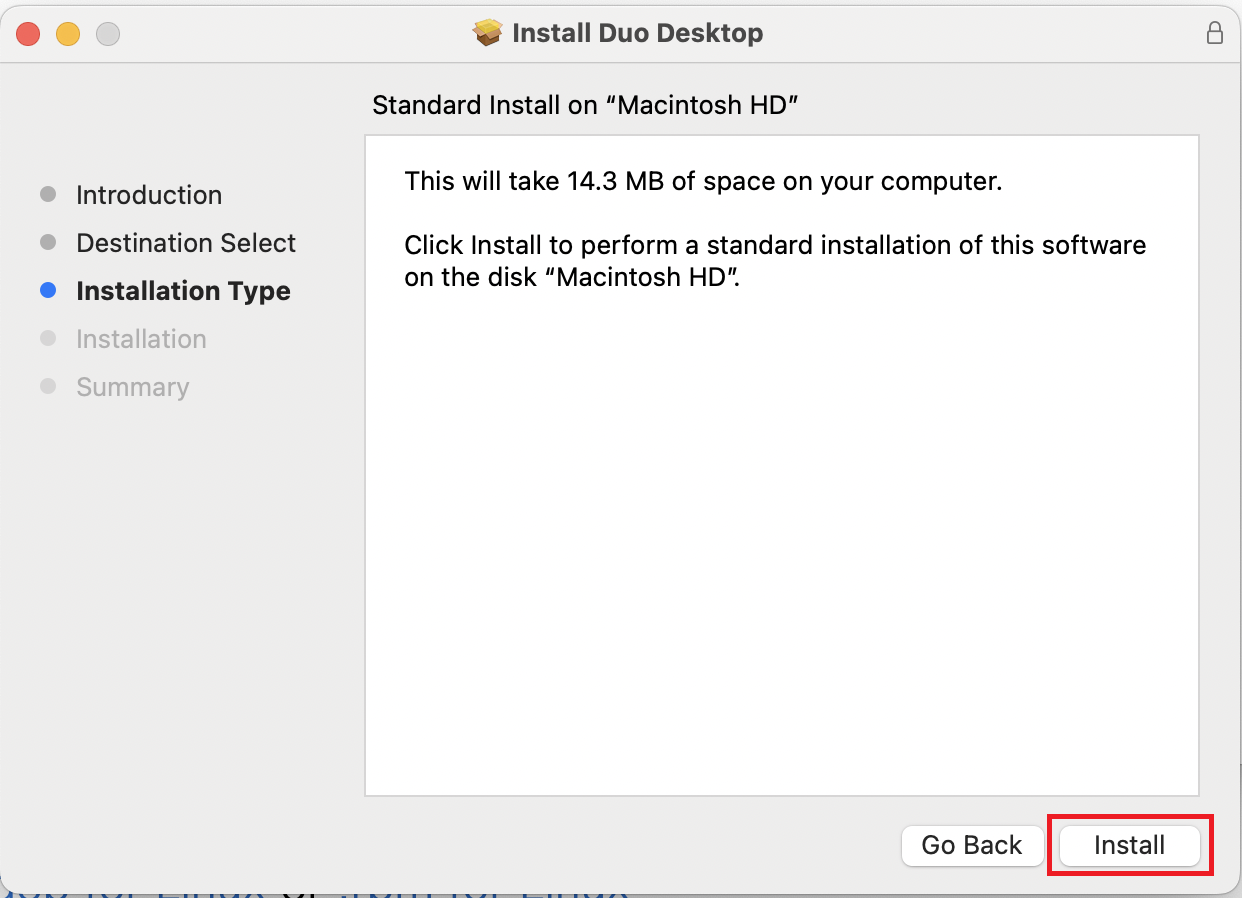
- Click
Install
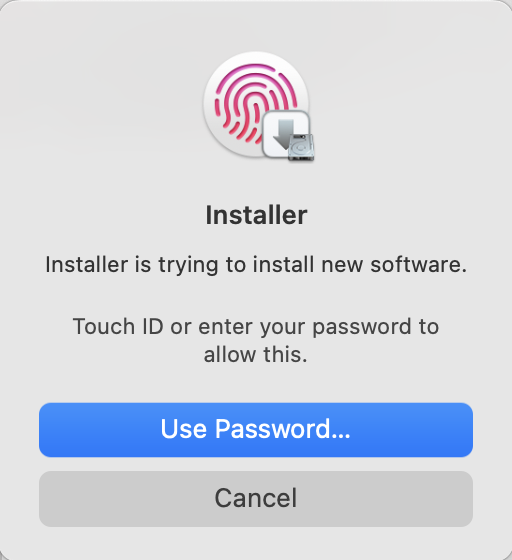
- Enter your local Mac password or use Touch ID to allow the install
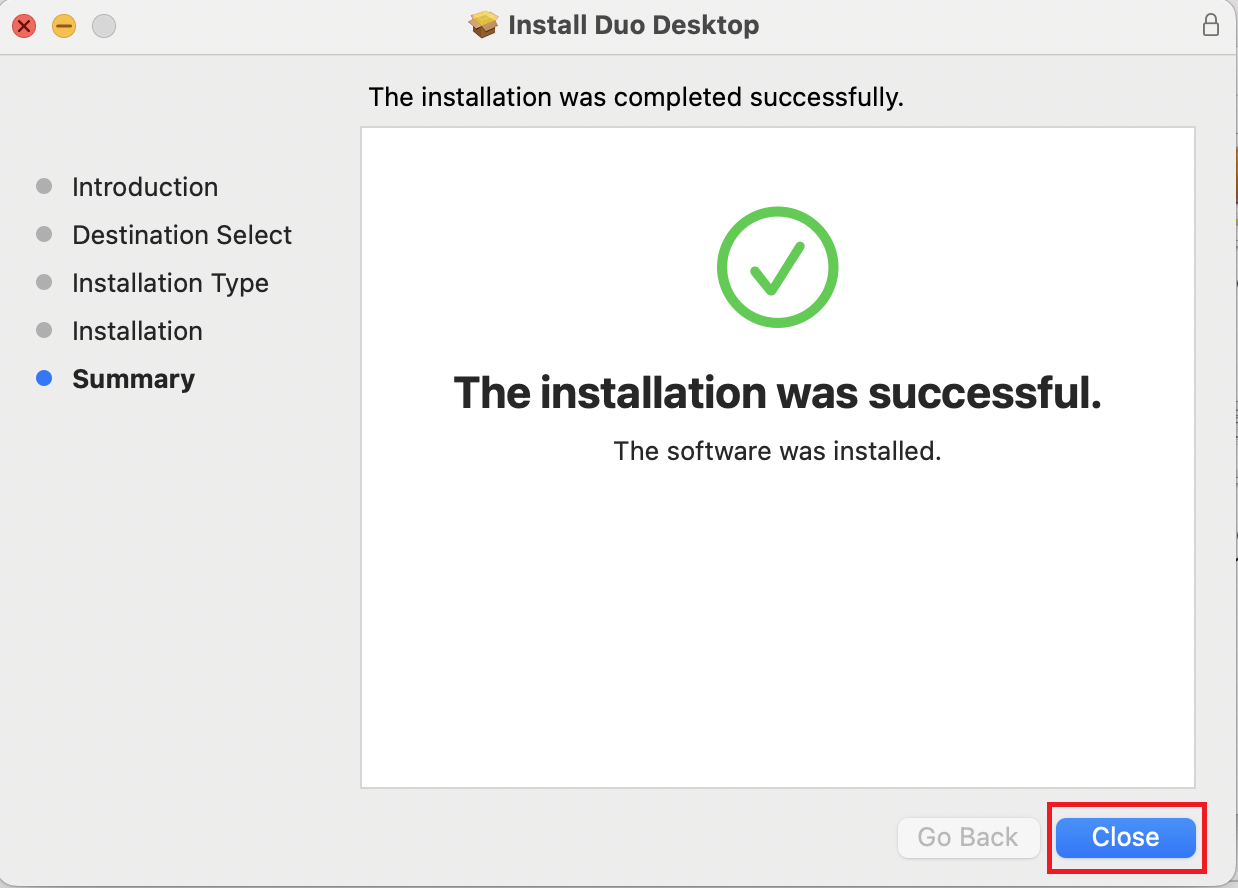
- Click
Close
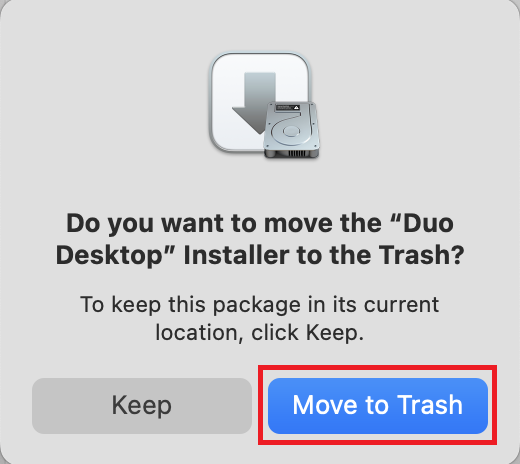
- Click
Move to Trash