Install Remote Desktop App
- Download the Remote Desktop App
- Double-Click the .msi file you just downloaded. By default it will be in your Downloads folder

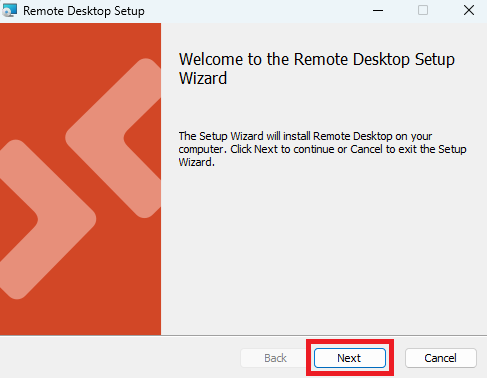
- Click
Next
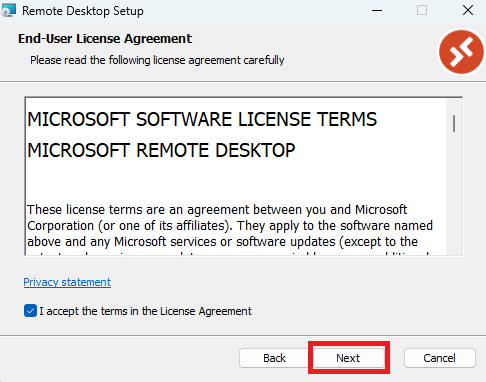
- Tick the box to accept the License Agreement, then click
Next
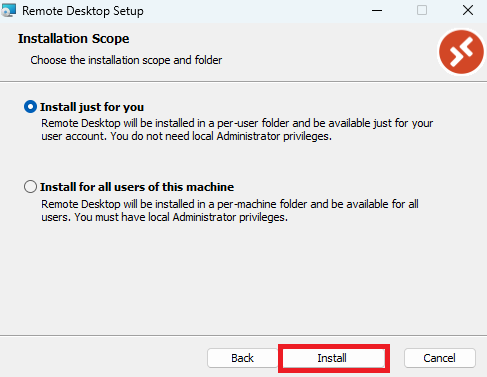
- Leave the radio button on "Install just for you" and click
Install
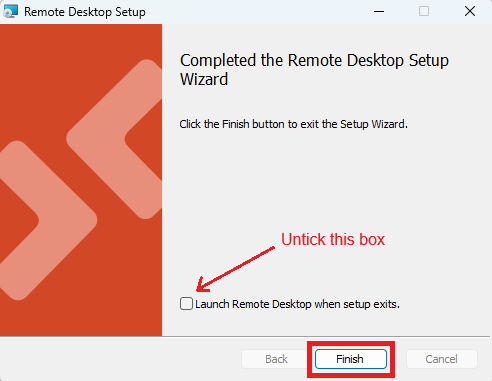
- Untick the "Launch Remote Desktop..." box, then click
Finish