Install Webex Virtual Desktop Infrastructure (VDI)
Webex VDI allows you to properly join Webex meetings inside your Cloud PC. Not installing this will cause others on the call to hear an echo every time you speak
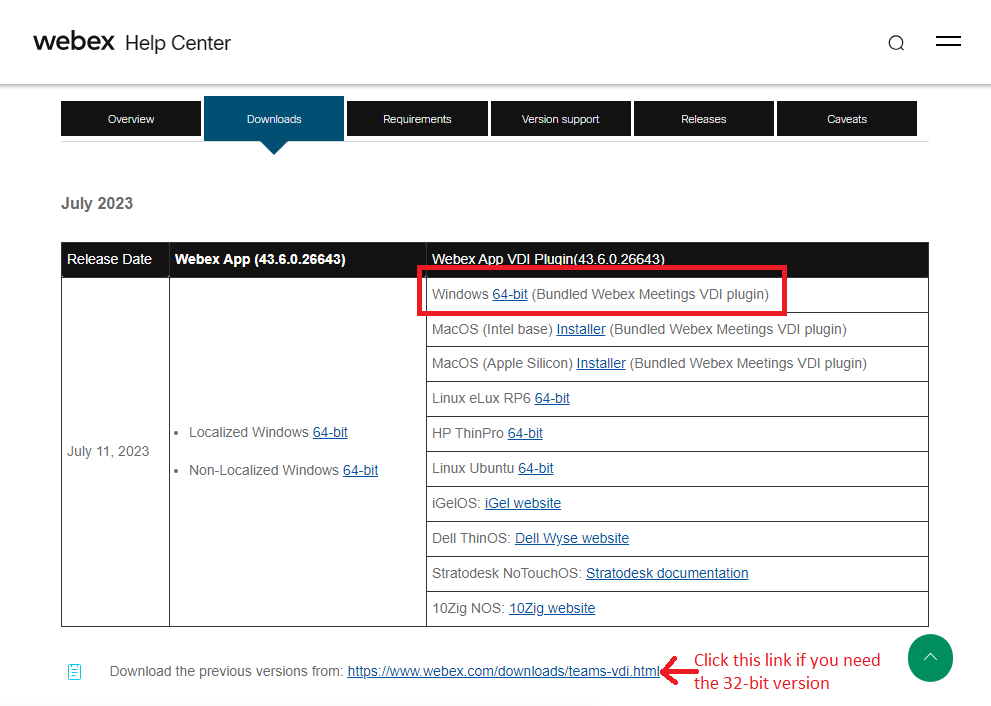
- Open the Webex VDI Downloads page
- Click the latest version number, then the 64-bit link to download Webex VDI
- Locate WebexVDIPlugin.msi and double-click it. By default, it will be in your Downloads folder

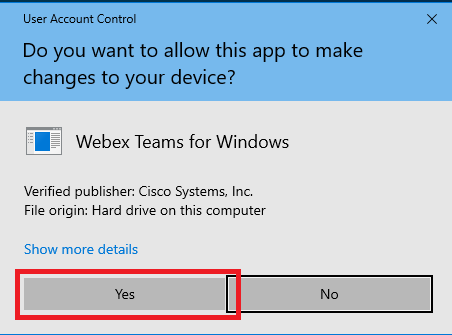
- Click Yes on the User Account Control window
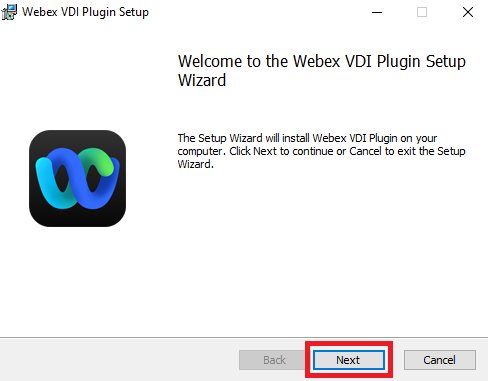
- Click Next to start the installation
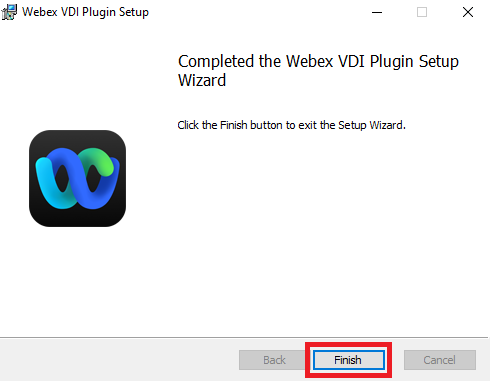
- Click Finish